

The system currently supports 5 A4 designs and 1 A5 design, expect to see many more added as time goes on, in A4 (Letter) and A5 (Half Letter) sizes.
The 5 A4 variations are:
Minimal - This is designed to have minimal amounts of information and to be a more visual white space design.
Medio - This is designed to be a good all rounder, giving you room for information, but keeping it all on one page.
Maximo - This is designed for brands which require alot of description and terms and conditions and is spread over 2 pages.
Three-fold - This is a zero image design which can be folded into 3rds to fit smaller envelopes.
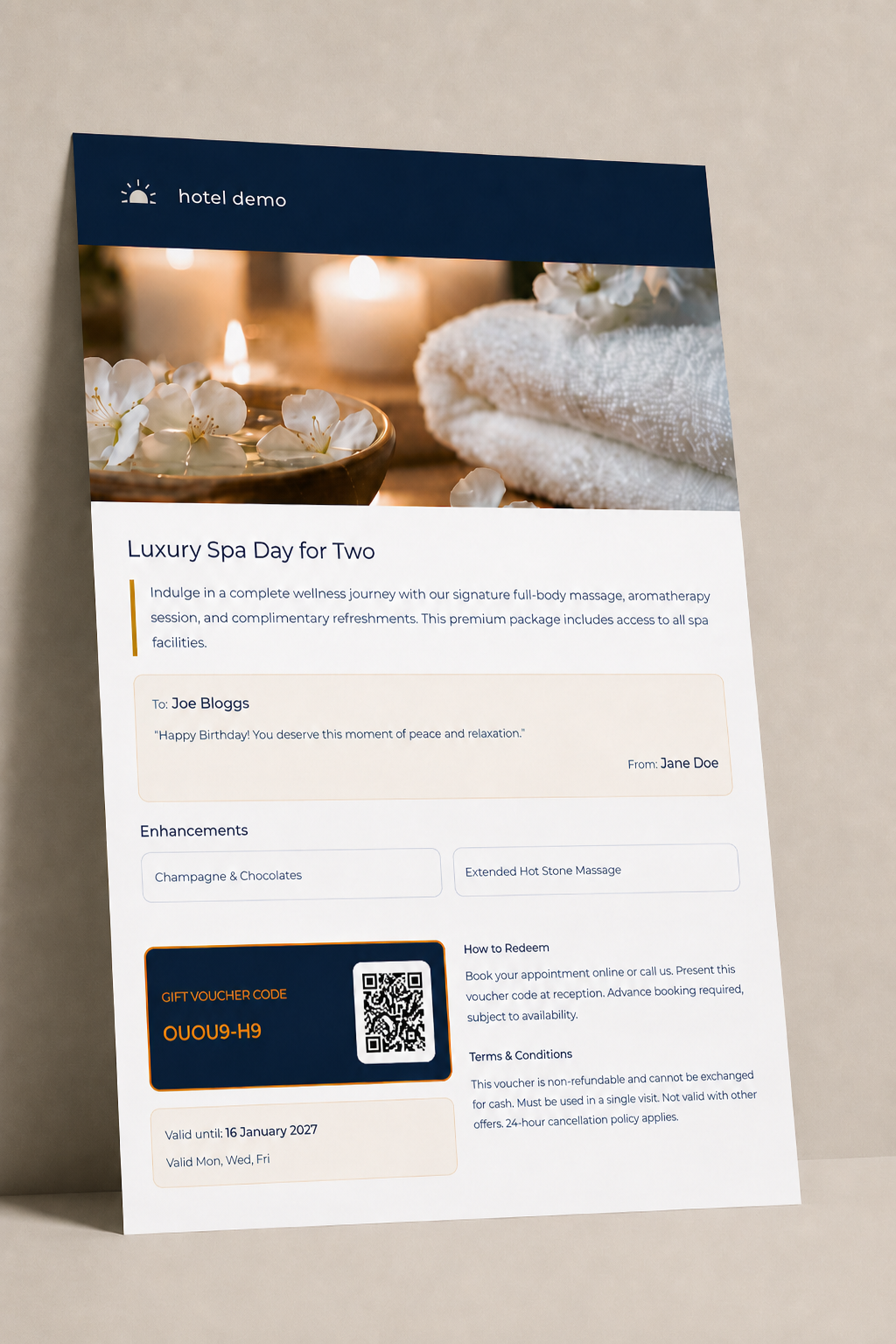
Image Central - This is a design which puts imagery front and centre and is less information dense.
A5 Design:
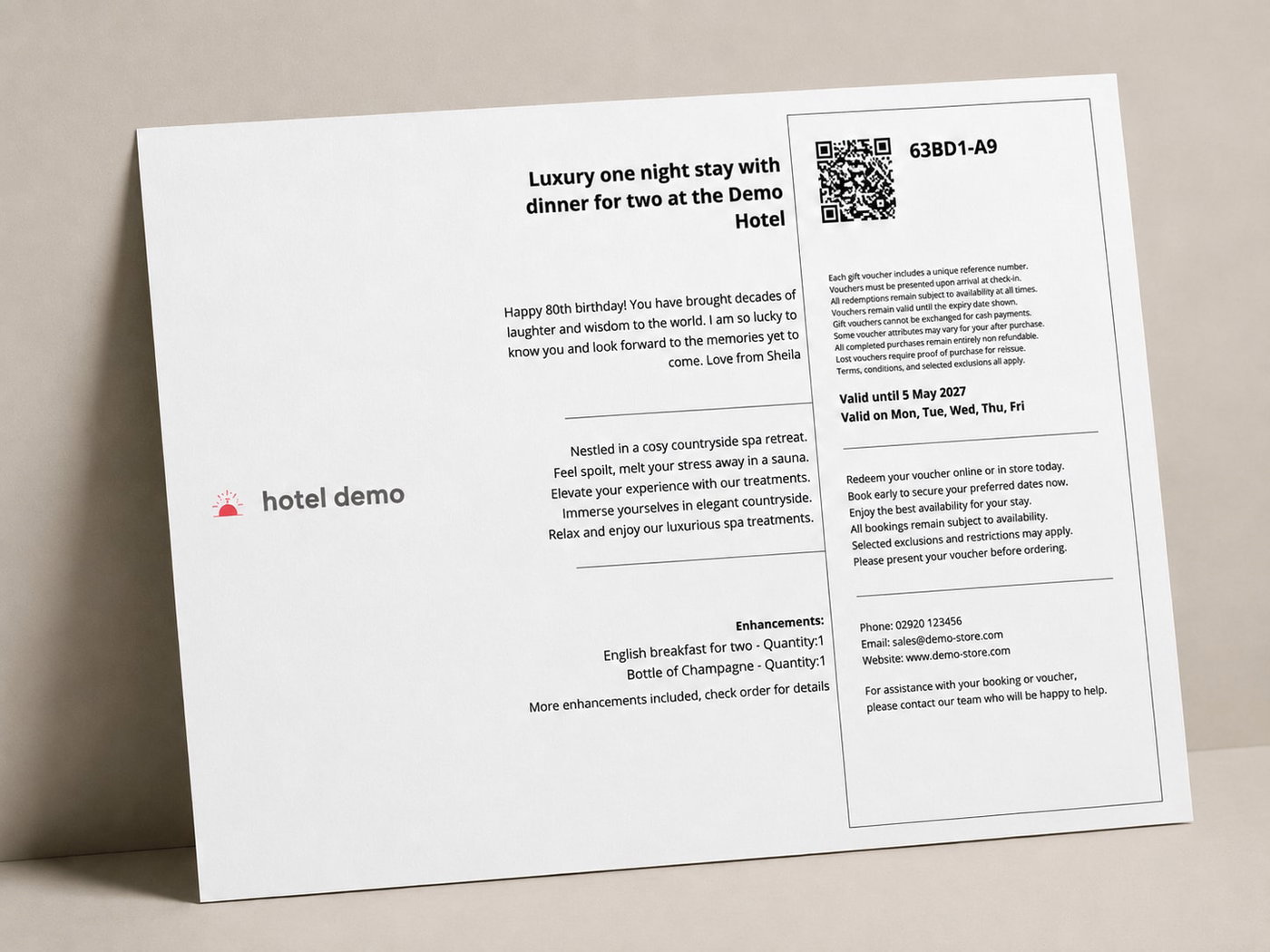
Classico - This is a design created for pre printed A5 stock, that is one side pre printed and a logo on the side.
Note: Each design will effect the rest of the system, enforcing character limits and line breaks for PDF product descriptions, terms and conditions and how to redeem information.
Warning: If you change to an information with less information after writing content on products, the new limits may cut off information you have written.

Each design includes space for 11 critical pieces of information:
Product image or customer chosen template.
Your brand logo
Customers personal message
Product Name
Product description
Product Enhancements
The unique Voucher reference Code
Validity Date and day validity
A QR Code for your employees to scan for faster redemption
How to redeem information
Terms and conditions
The 6 Designs look like the following:
Minimal

Medio

Maximo

Three-fold
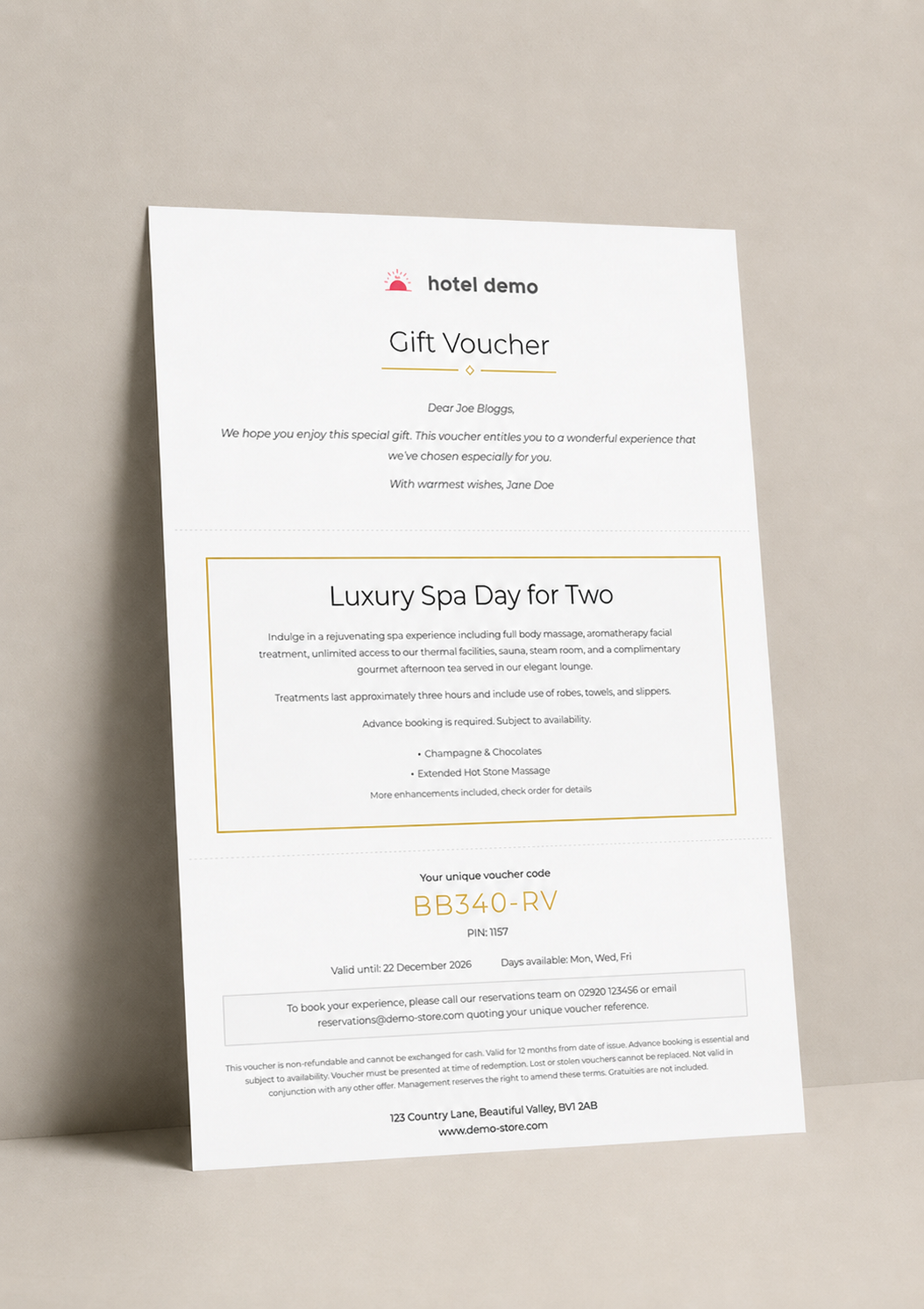
Image Central
A5 design - Classico
The next part is adding some customisation, each design has a few customisation options, font’s colour palette etc, some have more options than others:

First add your logo , aim for a transparent SVG at 600 x 600 pixels and 300 DPI minimum size.
The colour will be the colour of the area behind your logo, and the colour behind the information is a 6% shade of your main colour. (see medio above for example)
You can add your fonts , please let us know if you would like to add a font and we will see if we can make it work.
Finally add your redeem instructions, this will be put across all PDFs.
When your done, make sure you press save and Remember any changes to this page do not take effect until you save the main store settings page!