

Custom Prefix for Complimentary Vouchers
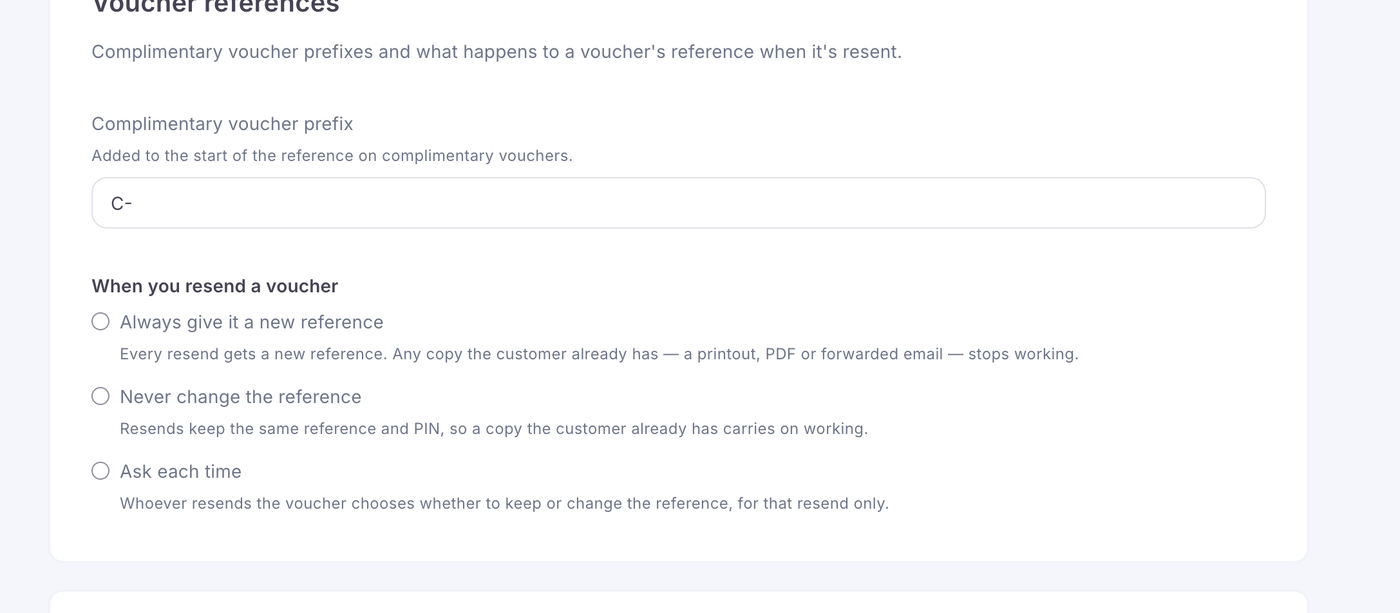
You can now apply a custom prefix to complimentary vouchers. This helps you identify them quickly in reports and keeps your internal naming structure consistent.
You can find this feature in:
Settings: General Settings under the Voucher Reference Section
How The Prefix Works
When a prefix is set, it is automatically added to the beginning of each complimentary voucher code generated through the terminal.
For example:
If you set the prefix C-, a voucher created in the terminal would look like:
C-PDX3F-34
If you set the prefix C, a voucher created in the terminal would look like:
CPDX3F-34
This makes complimentary vouchers easy to filter, track and audit.
Setting a Custom Prefix
Go to Settings > General Settings
Scroll down
Enter your preferred prefix
Save the changes
Your new prefix will apply immediately to all future complimentary vouchers.
Voucher Resend Options
The Voucher Reference settings allow you to control what happens to a voucher’s reference number and validity when it is resent.
You can find these options in the Voucher Reference section of Account Settings. This section also contains the complimentary voucher prefix setting.
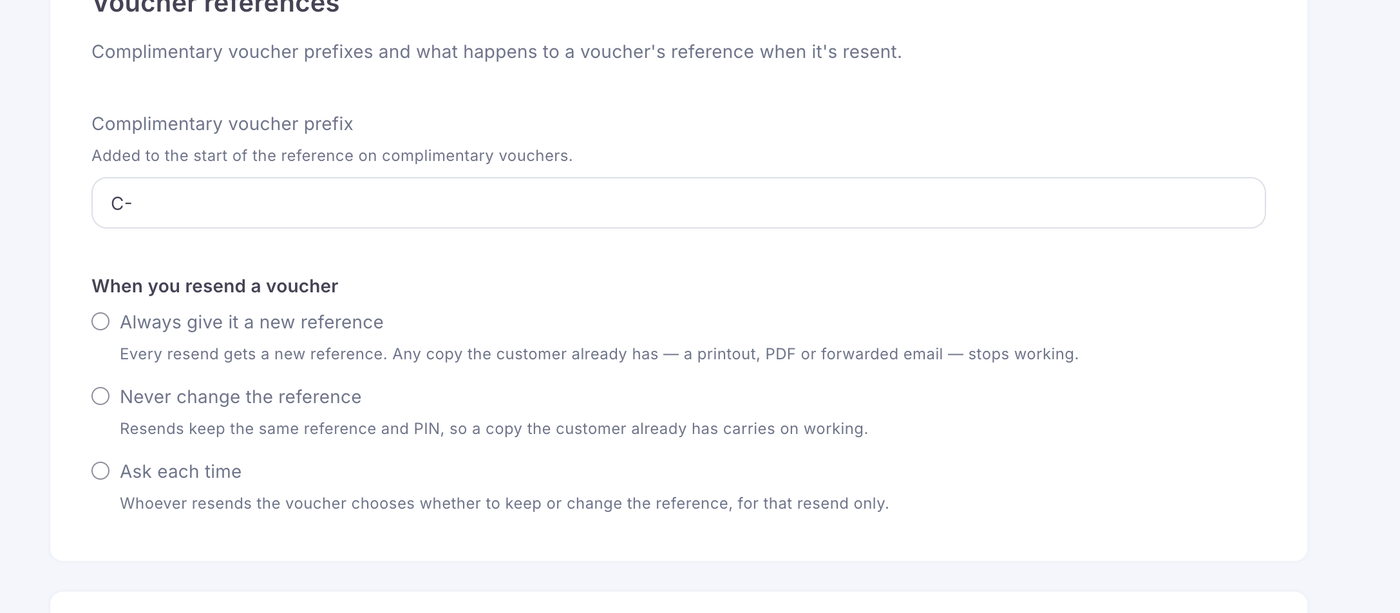
You can choose from three settings:
Always Give a New Voucher Reference
The original voucher is invalidated and a replacement voucher is issued with a new reference number.
Use this option when you want to ensure the original voucher can no longer be redeemed after a replacement is sent.
Never Change the Voucher Reference
The existing voucher is resent without changing its reference number or validity.
Use this option when the customer simply needs another copy of the same voucher.
Ask Each Time
The employee resending the voucher will be asked whether they want to:
Issue a new reference number and invalidate the original voucher
Keep the existing reference number and resend the same voucher
Use this option when you want employees to make the most appropriate choice for each request.